Green and Pleasant Computer Club
Motto: Let’s compute like it’s 1999
Summary
Fridays 10:00 to 12:00 at Makery, Tod College, Burnley Rd
The Green and Pleasant Computer Computer Club is a community programme that helps people explore a slower, lighter, and more independent way of using computers. The club draws on Marshall McLuhan’s idea that the medium is the message and treats the early web and email era as a useful template. We focus on practices that predate attention harvesting feeds and AI driven filtering, while reviving the strengths of simple publishing and direct communication.
Alongside practical skills, the club supports mental health self care through calmer, more intentional digital habits and an ethical approach to technology.
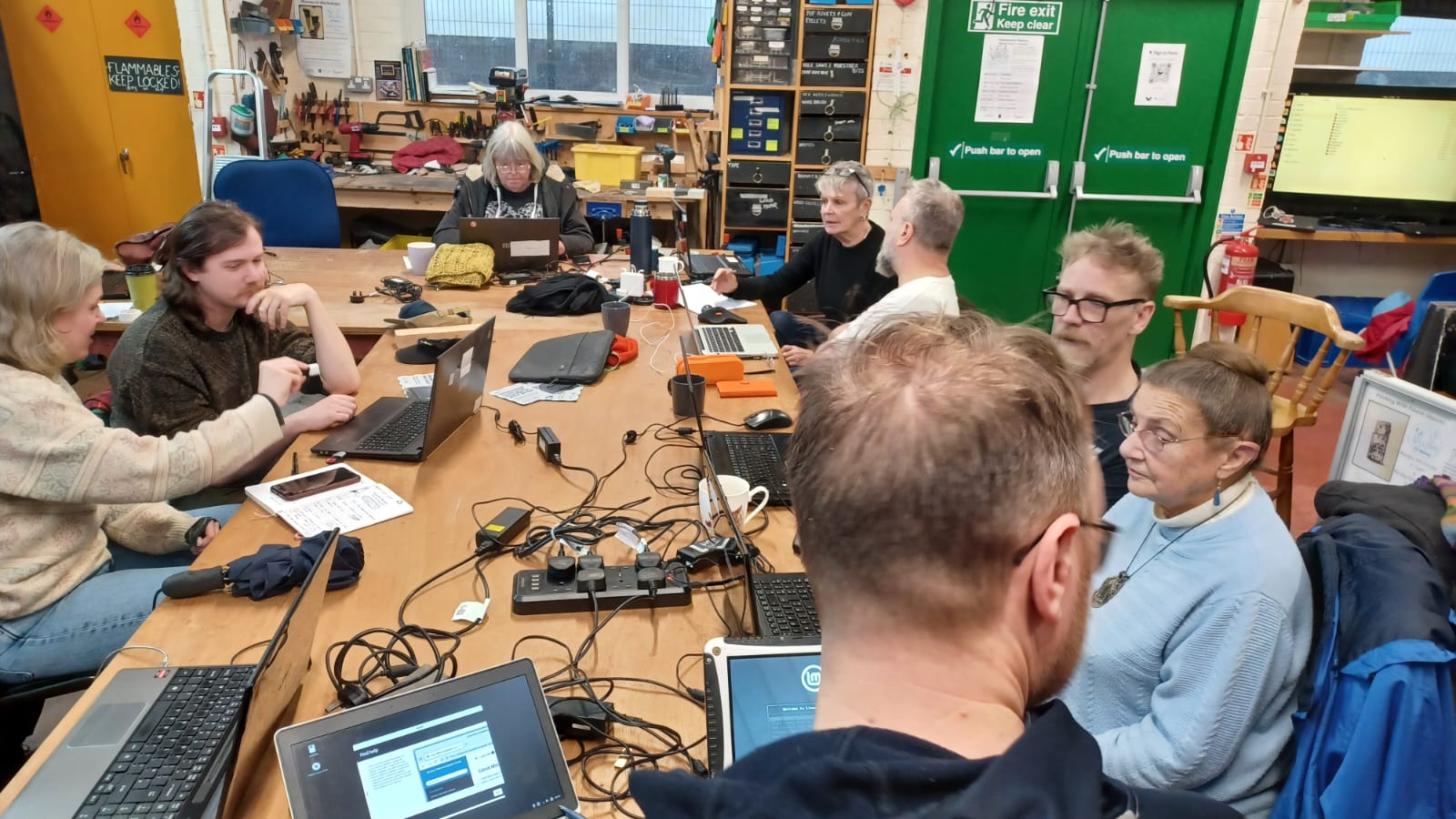
Image - Installing linux on laptops and testing them.
Who it is for
People interested in low impact approaches to computing, including beginners. Suitable for neurodiverse learners, with multiple ways to take part, a choice based approach, and an informal club atmosphere.
We also recognise that some people may come simply needing help with computers. In the club we aim to create a space where people can exchange advice and, where possible, direct help. Where appropriate, we will suggest ways to improve skills. However, as we are all volunteers, support may be limited at times. It’s a good idea to come with a project that you want to use to improve your computer skills. We will always try to be clear about what we can and cannot offer, if you are not sure please just ask.
Some aims in brief
- Build practical confidence with linux computing, simple websites, email, and varied forms of communication.
- Promote ecological practices, including repair, reuse, and low energy computing.
- Support mental health self care and ethical computing habits.
- Develop critical media literacy about filtering and information overwhelm.
Some ideas of what you could do at the club
- Hands on learning of Linux: Learn linux by playing around with it, learn to install and use programs you need.
- Fix and repurpose laptops: clean and set up refurbished laptops with lightweight Linux.
- Make simple websites: hand crafted HTML and Markdown, static pages that load fast on older equipment.
- Email basics: lists, attachments, filters, and privacy.
- Write and publish: short posts, zines as PDFs, and a shared directory of participant sites.
- Use RSS and newsletters: follow topics without addictive feeds.
- Tilde servers (for example tilde.club): get shell accounts, use SSH and SCP to publish your site and use command line email for fun.
- Hacker ethos and command line skills: learn command line workflows, text tools, and responsible, curious problem solving.
The November / December pilot programme
We ran a 5 week pilot in November and December which had a week of planning and then 4 main session in which we covered:
- 1. Websites: looking at static html sites like back in the 90s, how to hack them with code playgrounds like Code Pen, and an introduction to Hugo a static site generator and a workflow with git repositories.
- 2. Installing Linux: a session outlining how to install linux on a laptop and a hack session playing around with the possibilities.
- 3. Storage, back ups and archives: We looked at using external hard drives as an alternative to cloud storage. This will involve looking at cheap hardware, reusing old hard drives for storage solution, and sharing techniques for organising your files.
- 4. Open session and planning for next year: A recap and more open session to practice projects, set goals and plan the next computer club sessions.
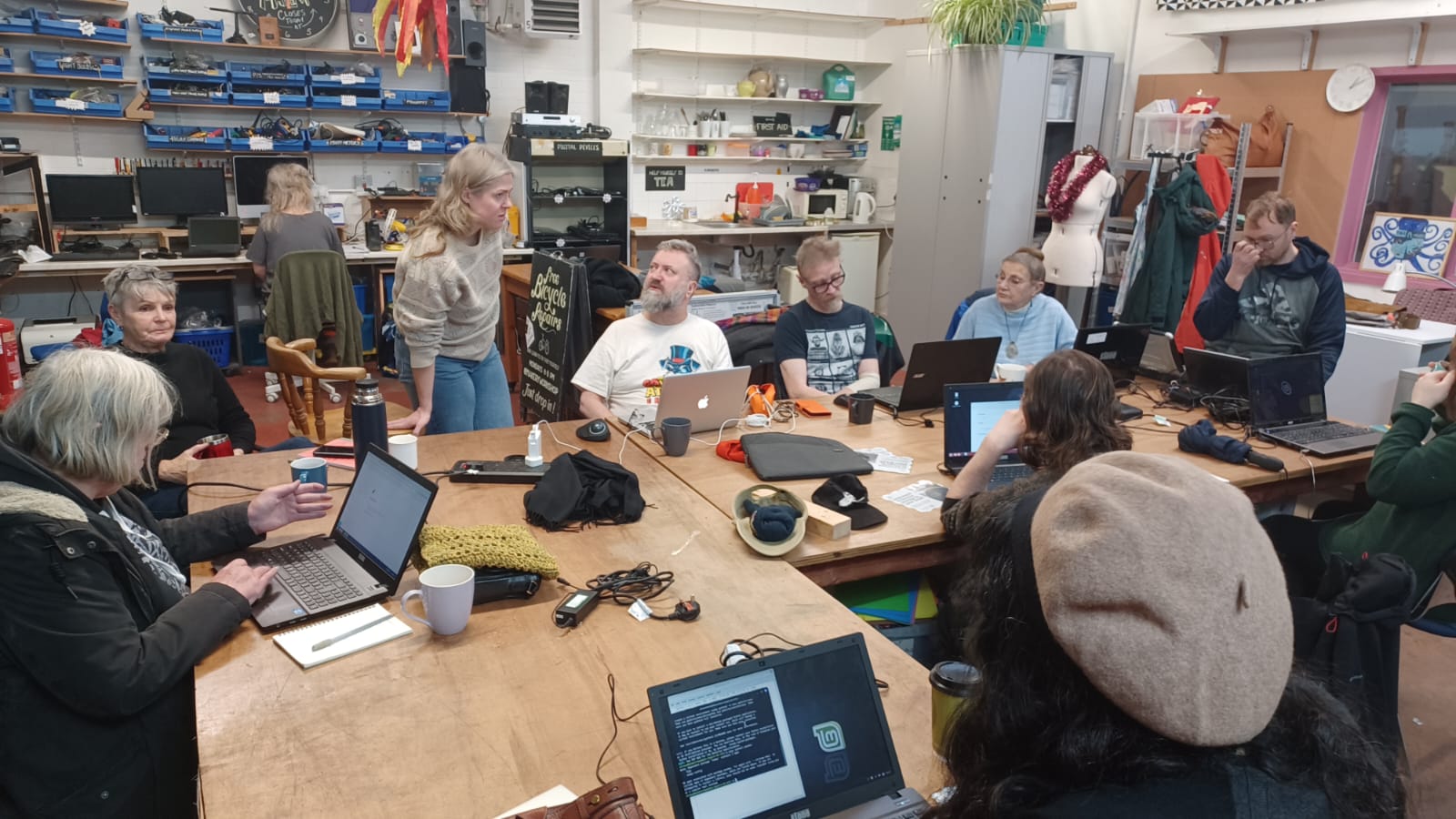
Image - Installing and playing with Linux Mint December 2025
Participation, atmosphere and how we work (vibe check)
For those of you old enough to remember, there was a sense of wonder about the computers and technology being made available to explore at home and in clubs in the 1980s and 1990s that this club tries to recreate.
In terms of how learning happens the club takes an informal and social approach that suits both the goal of building community and the needs of some learners related to neurodiversity.
Specifically this involves: choice based tasks, calm pacing, and multiple ways of participating over the course of a session. We are still trialling how to best do this. As of December 2025, sessions start off with introductions, followed by a presentation or demonstration on a topic, q and a, and the a more open / hack-lab style second part. In this second part, we welcome different communication and working styles, pair or solo work, or quiet making/computing time.

PLEASE NOTE THE UPDATED TIMES ARE - Fridays 10:00 to 12:00 at Makery, Tod College, Burnley Rd
About organising and partnerships
This project has been brought to life by Mick Chesterman (@mickfuzz - that’s me writing) as part of the JAMM Labs venture, but I am actively involving people that come in its future direction, and thus hopefully will share the load with or pass the baton onto others. The club is inspired by and involves a wider range of people and partners.
Todmorden Makery: The computer club has grown out of the work at the Makery workshop in Todmorden, especially the work sourcing laptops, refurbishing them and installing Linux on them (thank you Barbara).
FLOSS Manuals: I have been looking after the FLOSS Manuals project - Free Manuals for Free Software - for about 10 years now. It’s a great source of information and inspiration. We are rebooting in 2026 (June), perhaps you could help as a volunteer?
Tim’s Tech Shack in Todmorden Market: Tim is providing some hardware support for the project. Highly recommended.
Scavengerlabs: is the parent company of JAMM Labs, and therefore the Computer Club in general.
Hacktionlab: I shared a vision of this computer club at a recent Hacktionlab event and got encouraging feedback. It’s a good resource of possible specialist speakers / visitors.
Possible future directions
There are many possible future directions to explore, just have a look at all the manuals on the FLOSS Manuals website. Here are some of my current favourites that have come up.
- Low cost retro audio: use older laptops and portable recorders to plan, record, and publish radio shows and interviews.
- Retro video production: revive broadcast quality miniDV cameras and FireWire workflows to storyboard, shoot, and edit short videos, then publish to personal sites rather than social feeds.
- Fanzine production: Mixing new and old technology to create old fanzines. See the image below for an example. Tools include: Inkscape for vector graphics, using fonts and filters creatively, scanning and photocopying.